


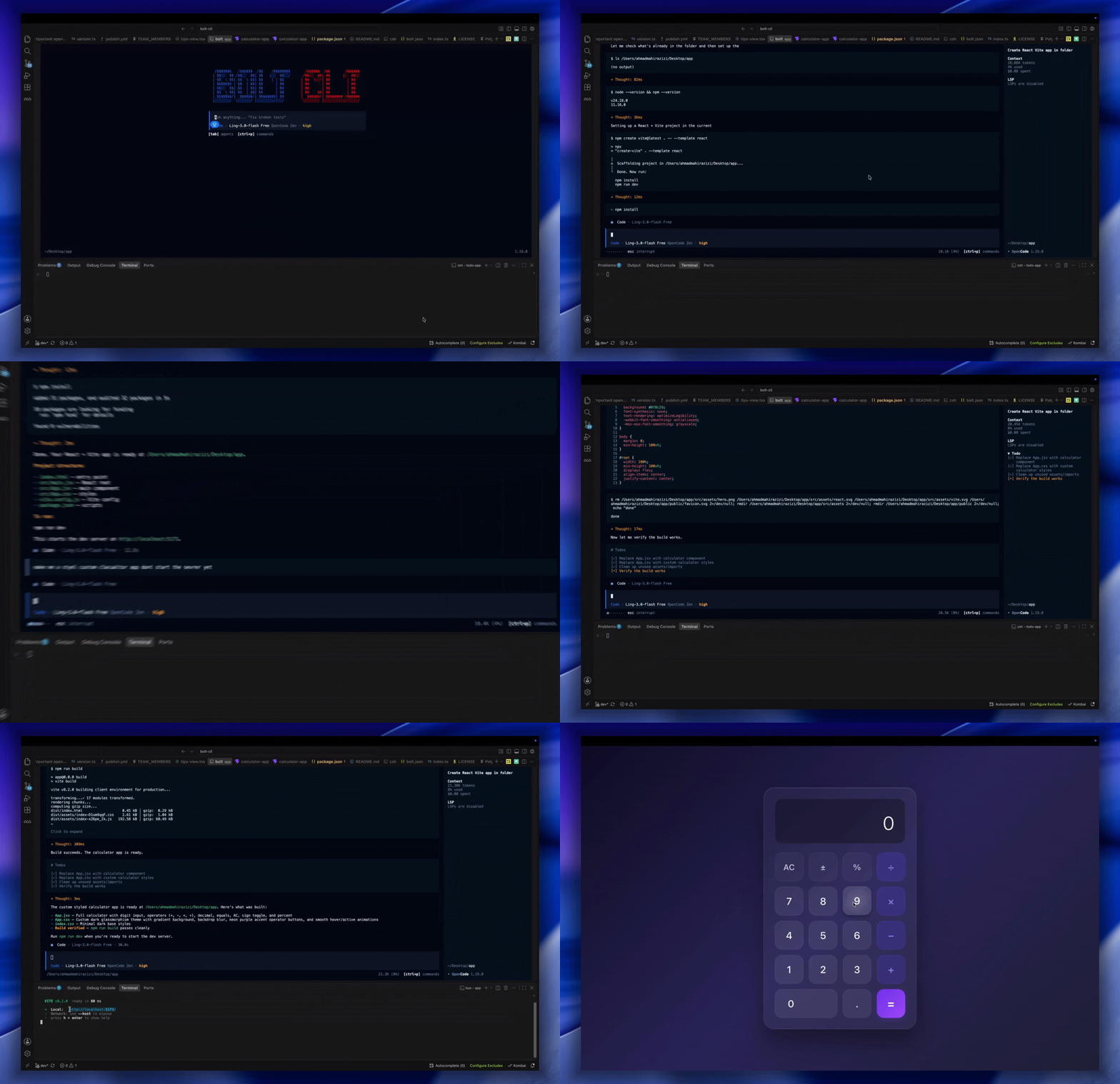
code, plan, ask, code-review, debug, refactor, docs, security, migrate, perf) plus @general and @explore subagents cover the whole engineering loop. Sessions are durable: detach, re-attach (even to a remote server), fork, share, export, and import at any time. Project memory persists what the agent learns between sessions. Extensible via MCP servers (with OAuth), plugins, custom agents, and custom tools.
Bolt is open source under the PolyForm Noncommercial 1.0.0 license.
Why Bolt?
Bolt is designed around the way developers actually work: in the terminal, across multiple sessions, on real codebases. Here’s what sets it apart:- Terminal-first TUI. A fast, keyboard-driven interface built with Effect, OpenTUI, and SolidJS. It feels native because it is.
- A whole team of agents. Ten specialized agents —
code,plan,ask,code-review,debug,refactor,docs,security,migrate, andperf— plus subagents for research and multi-step delegation. Switch between them withTab. - Sessions you can leave and re-join. Detach from a session and attach later, even on a remote server. Fork, share, export, and import work at any time. Sessions are stored in SQLite and fully inspectable with
bolt db. - Extensible by design. MCP servers with full OAuth support, a plugin system, GitHub integration, a built-in API server, and a web UI.
- Desktop app. The same engine wrapped in a multi-window, multi-tab desktop experience — with an integrated terminal, file tree, command palette, 28 UI languages, and auto-updates.
Built-in agents
Bolt ships with ten specialized agents. Each agent has a defined level of file-system access to match its purpose.
You can also define your own agents as Markdown files or generate one with
bolt agent create.
Desktop app
Bolt also ships as a standalone desktop app. It adds multi-window and multi-tab session management, a prompt composer with attachment and clipboard image paste support, an integrated terminal and file tree, and a command palette. You get full settings for keybindings, models, providers, and servers, plus native notifications, deep links, WSL integration on Windows, and auto-updates across dev, beta, and production channels. Download the desktop app from the releases page, or install it in one line on macOS with no Gatekeeper detour:Explore the docs
Installation
Install Bolt via curl, npm, or your system package manager on macOS, Linux, and Windows.
Quickstart
Open the TUI, run your first prompt, and ship an AI-generated commit in under a minute.
Agents
Ten built-in agents plus subagents. Learn what each one does and how to write your own.
Project memory
How Bolt remembers your project across sessions and how to control what gets captured.
MCP servers
Connect external tools and data sources to Bolt via the Model Context Protocol.
Headless server
Run
bolt serve, attach a TUI from any machine, and drive Bolt from the API.